Motivation
I'm not really a server guy, but I do have several apps that I would like to serve kind of "properly".
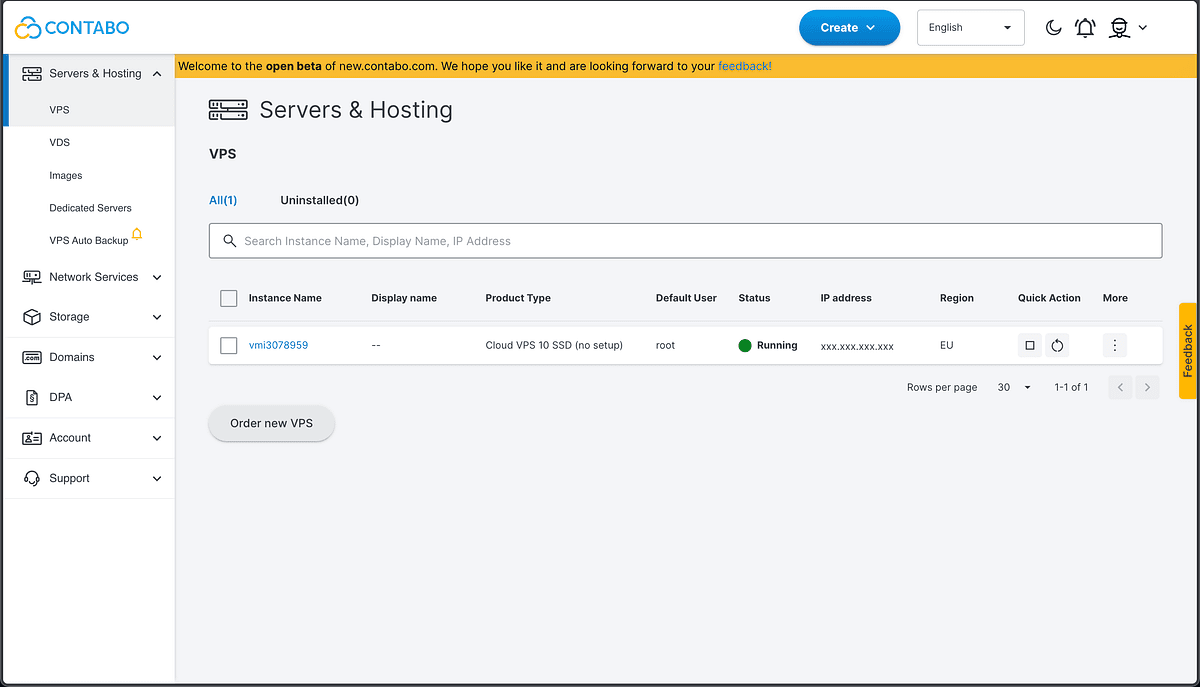
I decided to host my 4 apps on a Contabo VPS for $5.97/month.
Choosing a Provider
First I looked at Hetzner. Sleek website, great docs. Then I saw the price and went "yeah this is not for me." Found Contabo, $4.94/mo for a VPS with 4 CPUs and 8 GB RAM. Add $1.03 for daily backups. Done.
Bought the domains on Domainesia because that's where I always buy domains and it's cheap. Pointed DNS to Cloudflare. So far so good.
Reverse Proxy with Caddy
Each app (almost all of them were dockerized) needs its own domain, so I needed a reverse proxy. Went with Caddy because it handles SSL certificates automatically, no messing with certbot or cron renewal scripts. Just point your domain at it and it figures out Let's Encrypt on its own.
Except I'm using Cloudflare, which intercepts port 80. So Caddy can't do its usual HTTP challenge for SSL. It needs a DNS challenge instead, and that requires a Cloudflare plugin that doesn't ship with the default binary.
So I had to compile my own Caddy (compile a reverse proxy from a Dockerfile in 2026).
Docker Networking Lessons
Got Docker networking wrong multiple times. At one point my cron job was calling 127.0.0.1 thinking it would reach the app container. It did not. 127.0.0.1 inside a container is the container itself. That one took me a while.
Eventually figured out proper network isolation, databases on their own bridge networks, only the app frontends exposed to the reverse proxy. Set up fail2ban, SSH key-only auth, firewall. Felt like a real sysadmin for about 10 minutes (but of course, it's not even close to the real thing).
What It Runs
- A Next.js crypto analytics platform
- A Next.js career tracker
- A static site serving a Unity WebGL game (yes, a browser game on a VPS)
- A Laravel + React system (a bit of freelance)
CI/CD and Operations
CI/CD through GitHub Actions, push to main and it deploys. Backups every night.
The whole thing cost me at least three fancy coffees per month.
Takeaway
If you've never tried managing your own server, I genuinely recommend it. You'll break things. You'll learn why.